bookmarkce.io
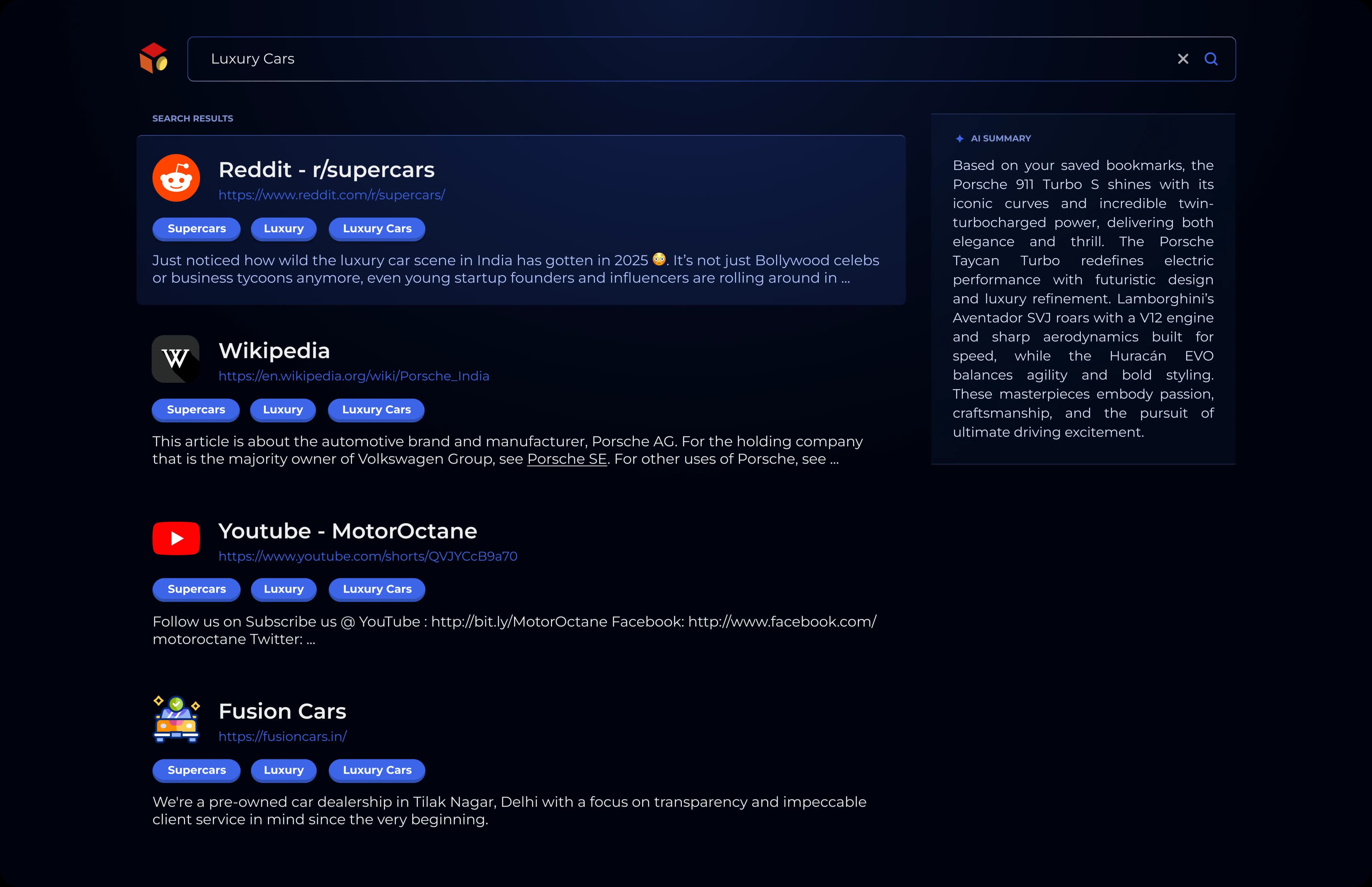
Search across saved Bookmarks.
See matching saved items and an AI Summary in the search view.

Save with Browser or Drive Integration, organize with Folders, and ask questions in Smart Chat.
Ask questions about your Library and receive answers with attached citations.
Keep saved websites, PDFs, videos, and documents in one knowledge base.
Open a page inside Bookmark CE and use Save Page to add it to your Library.
Choose files from Google Drive and bring them into your saved knowledge.
Open the saved item connected to a Smart Chat answer and check the original context.
Review the generated summary and tags shown on a saved Bookmark.
Browse Bookmarks, save from the in-app Browser, connect Drive, and continue in Smart Chat.
Ask about saved content and open the citations attached to an answer.
Open Bookmarks and Folders from the iOS or Android app.
Browse inside Bookmark CE and save the current page to your Library.
Choose Google Drive files without leaving the app.
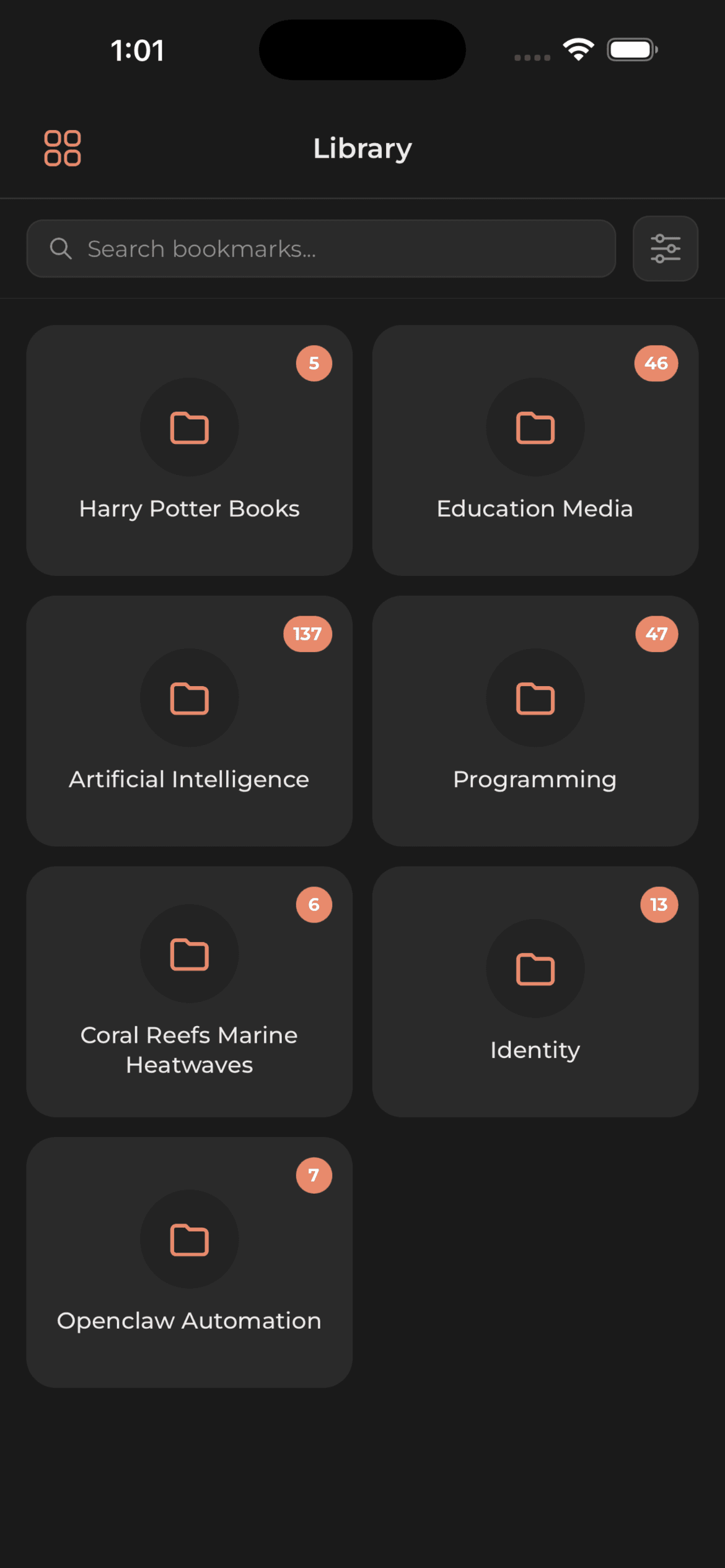
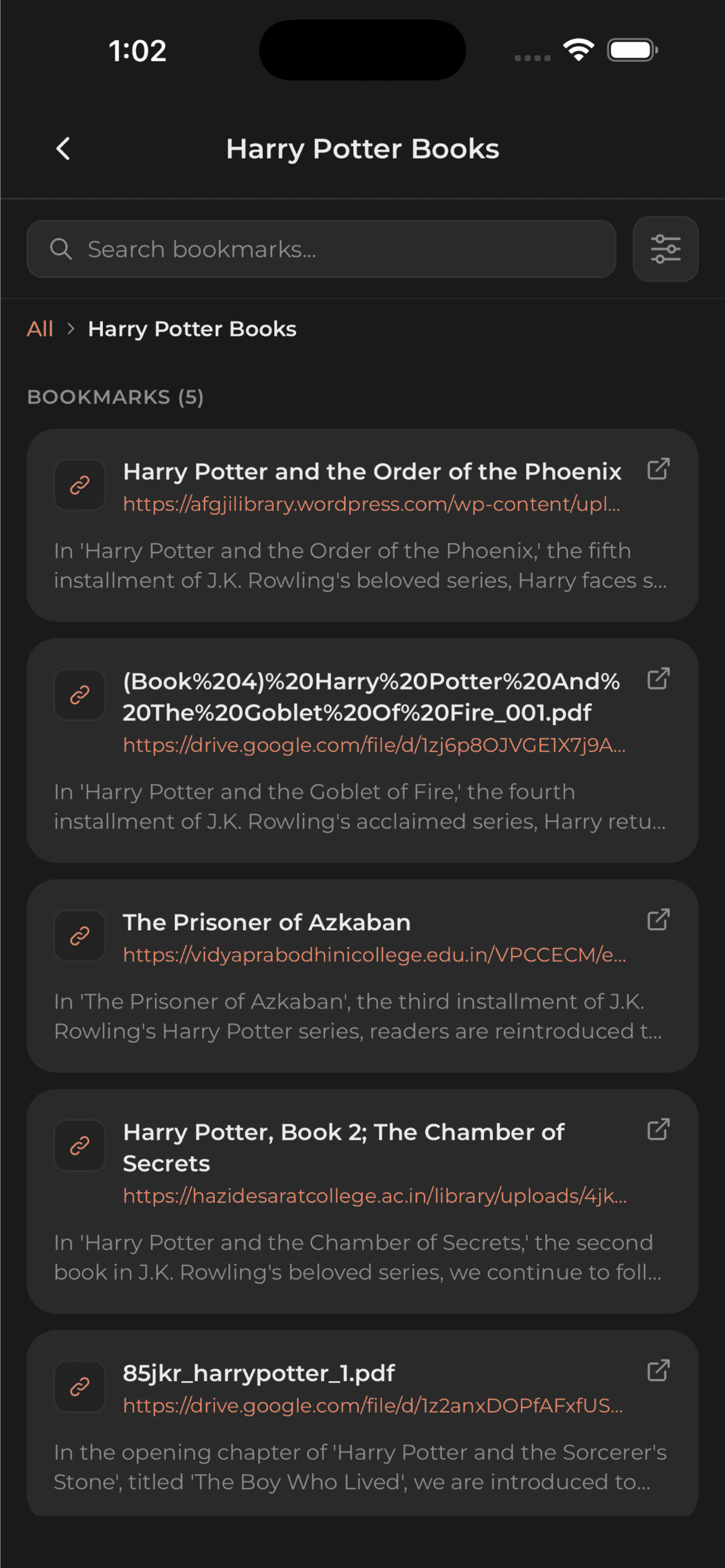
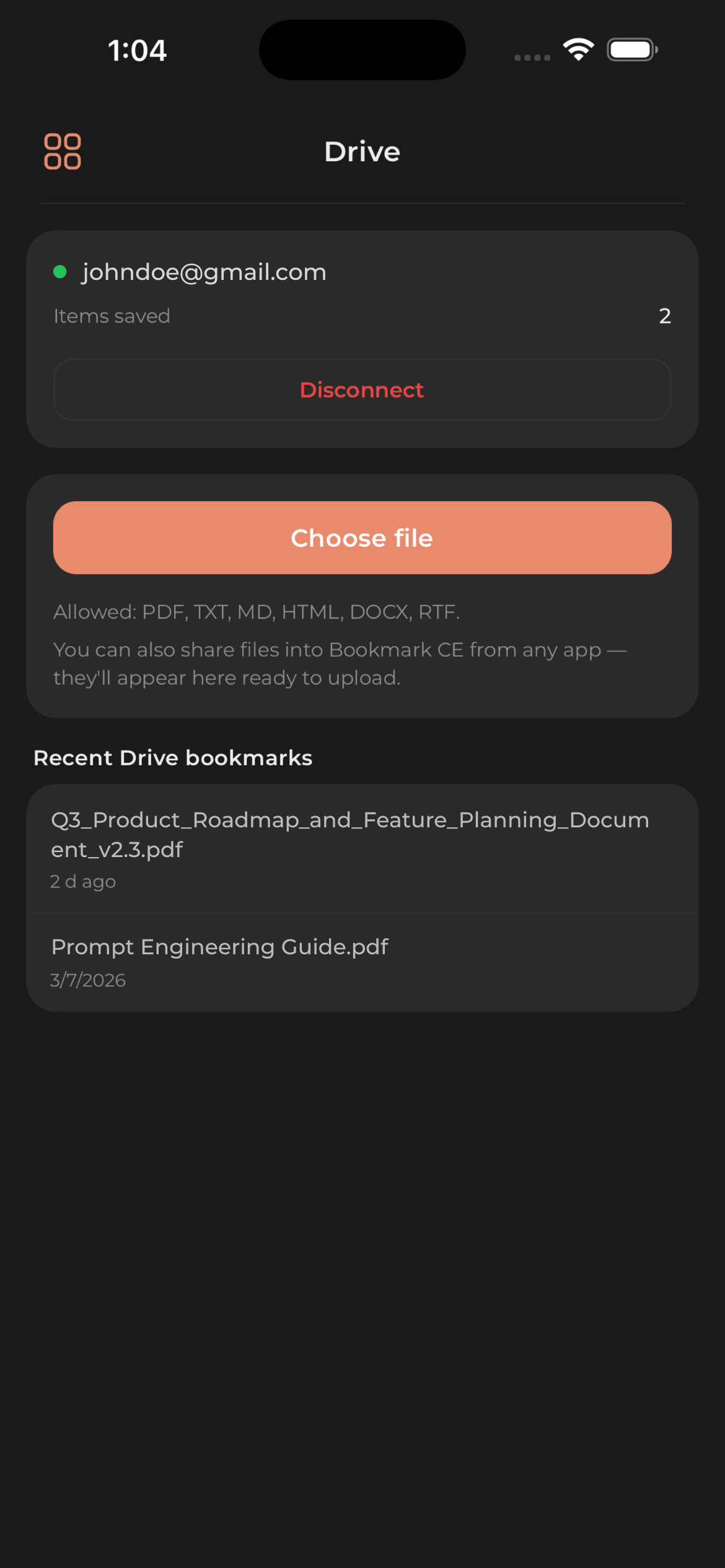
Swipe to explore the app screens
Add the current page to Bookmark CE, then browse its folder, tags, summary, and Sources.
See matching saved items and an AI Summary in the search view.
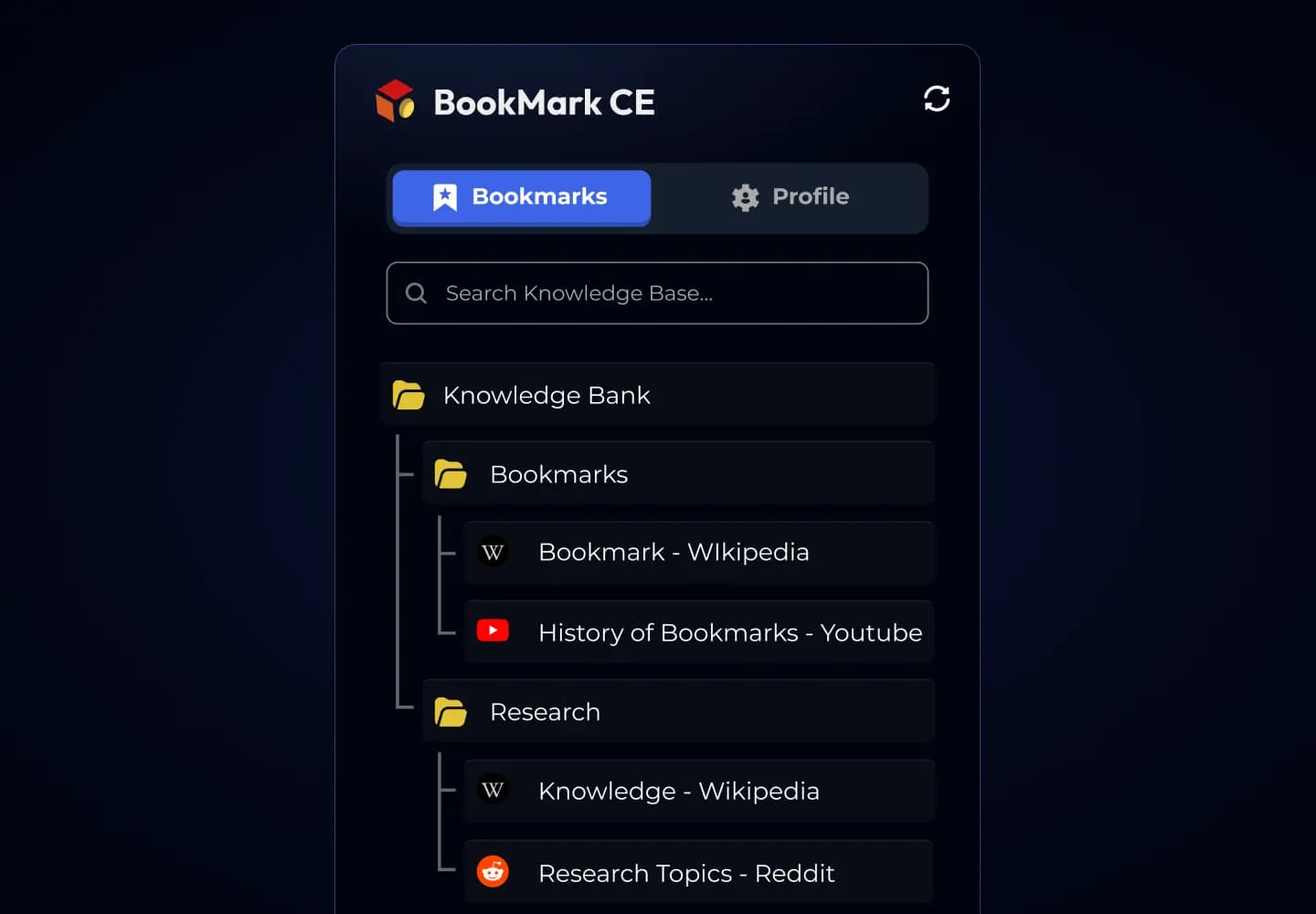
Open saved Bookmarks inside folders in your Knowledge Bank.
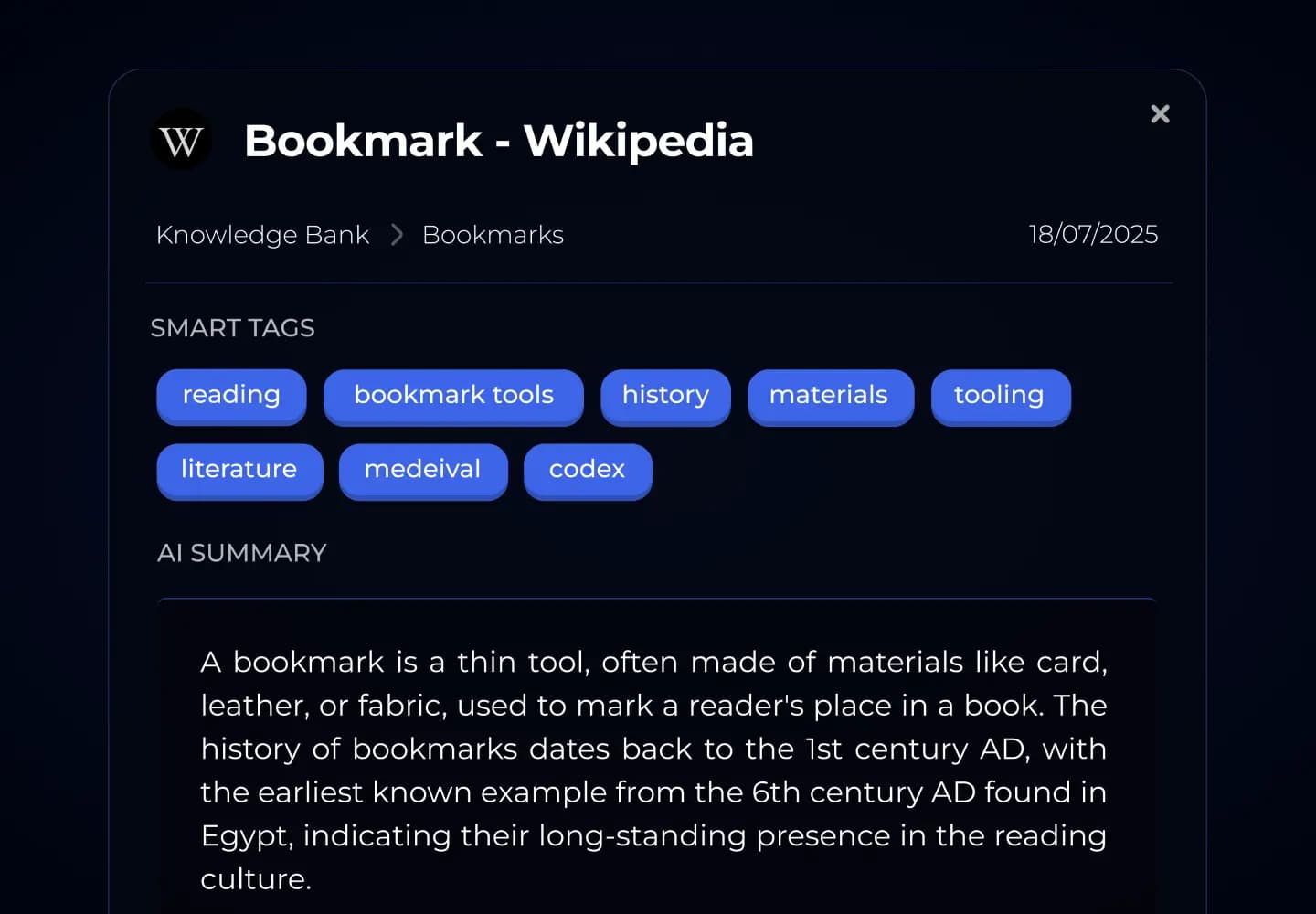
Open the details already attached to a saved Bookmark.
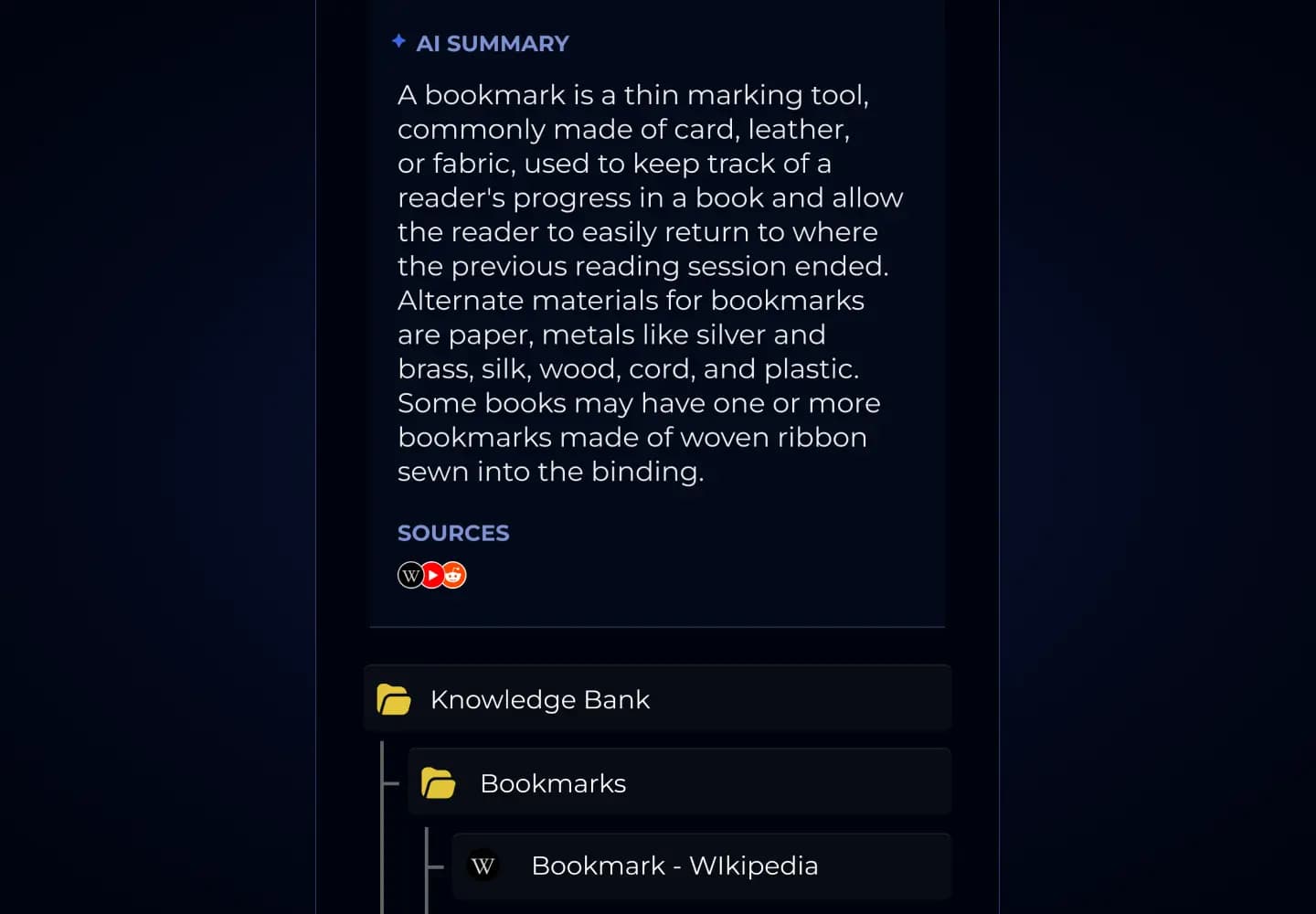
Sources remain visible beside the generated result.
Your knowledge follows you across iOS, Android, web, and Chrome—organized, searchable, and ready for a question.
Save the item. Ask the question. Open the Source.